How to save emails from an Outlook to a file in Power Automate
Saves an email as an .eml file, automatically as it arrives or manually in bulk from a folder.
Welcome to my Microsoft hub, the starting point for everything I write about the Microsoft ecosystem. Here you'll find tutorials, references, and practical tips across the Microsoft 365 and Power Platform family, grouped into focused areas so you can jump straight to what you need. If you build automations, start with Power Platform, where I cover Power Automate, Power Apps, and Power BI. For everyday productivity, browse Excel for formulas and data tricks, Microsoft Teams for collaboration, and Microsoft Planner and Microsoft To Do for keeping tasks organized. Working with data and files? OneDrive, Microsoft Lists, and Microsoft Forms each have their own space with hands-on guides. Developers and admins can dig into Microsoft Graph and PowerShell for scripting across SharePoint, Azure, and Microsoft 365. I also cover Microsoft 365 Copilot, Microsoft Outlook, OneNote, and Shifts, showing how these products fit together in real workflows.
Saves an email as an .eml file, automatically as it arrives or manually in bulk from a folder.

Copies a file to another library or site. Version history and metadata don't carry over.

Converts a UTC timestamp into a target time zone. Returns a string with no offset or Z marker.

Move files past the 100 MB limit by splitting them into chunks, and know when to switch to Graph.

Returns one of two values based on whether a condition is true or false.

Shifts a timestamp by a whole number of time units. Negative values subtract; the result is text.
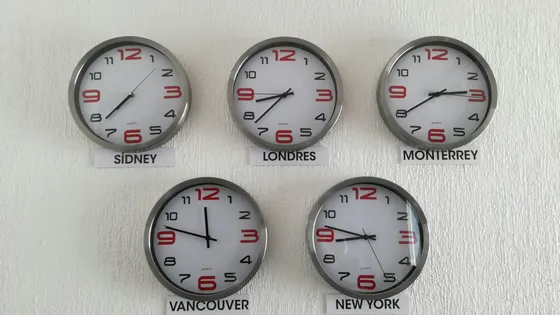
Converts a timestamp from a source time zone to UTC using Windows time zone names.

Bundle hundreds of SharePoint writes into a single $batch request to stop hitting throttling limits.

Adds numbers, cells, or ranges into a single total. A single error in the range takes over the result.

Checks if a string is an integer.

Add columns to library files so you can filter, sort, group, and find them by metadata instead of folders.

Counts the cells in a range that contain numbers. Ignores text, blanks, and errors.