
SharePoint Copy File Action
Copies a file to another library or site. Version history and metadata don't carry over.
Welcome to my Power Automate hub, where I share what I have learned building real cloud flows for work and for fun. If you have ever stared at a flow that almost works, this is where you fix it. You will find practical, hands-on guides that go beyond the basics and tackle the messy parts of automation. I cover advanced error handling patterns so your flows fail gracefully, and I dig into API rate limits and throttling, including batch operations and throttling mitigation, so your flows keep running when you scale up. I walk through building a website monitor from scratch, handling CSV files without losing your mind, and troubleshooting dynamic content when the values you expect simply are not there. My best practices for SharePoint across multiple environments save painful mistakes, and my approval workflow guide makes one of the most requested features easy to understand.
Copies a file to another library or site. Version history and metadata don't carry over.

Converts a UTC timestamp into a target time zone. Returns a string with no offset or Z marker.

Move files past the 100 MB limit by splitting them into chunks, and know when to switch to Graph.

Shifts a timestamp by a whole number of time units. Negative values subtract; the result is text.
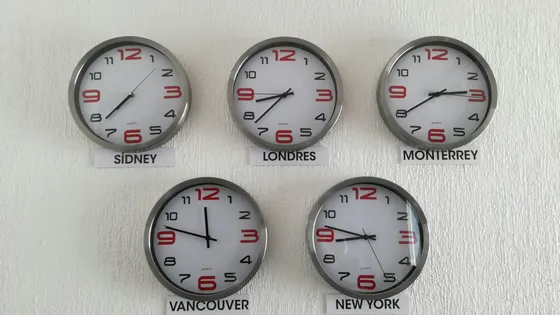
Converts a timestamp from a source time zone to UTC using Windows time zone names.

Bundle hundreds of SharePoint writes into a single $batch request to stop hitting throttling limits.

Checks if a string is an integer.

Extracts a substring by position. Supports negative indices; endIndex is exclusive.

Explains why SharePoint's email field is spelled EMail and why the casing breaks your filters

Checks if a string is a floating-point number.

Fetches a single email attachment by its ID, returning its name, type, size, and base64 content.

Returns the day of a timestamp as an integer 1-31.