
Power Automate: base64ToString function
Converts a base64-encoded string back into readable text. Takes a string, not a file object; UTF-8 only.
Power Automate expressions are where a lot of the real magic happens, and this is my reference for the functions that power them. When the point-and-click designer runs out of road, a well-placed expression gets you exactly what you need. I document the everyday date and time helpers like the "addDays" function, the "addHours" function, and the "addMinutes" function, along with the more flexible "addToTime" function for shifting timestamps. I cover math with the "add" function, logic with the "and" function, and data shaping with the "addProperty" function and the "array" function. Need to convert data types? The "base64ToBinary" function gets its own walkthrough, and the "action" and "actions" functions let you reach into earlier steps. Every entry gives you the syntax, the parameters, the return value, a practical example, and the edge cases that catch people out.
Converts a base64-encoded string back into readable text. Takes a string, not a file object; UTF-8 only.

Returns the trigger's entire output object, headers included. The body sits one level down.

Subtracts an interval from a timestamp you supply. Returns a string; months clamp to month end.

Returns the body output of a named action. Names use underscores for spaces and are case-sensitive.

Returns the current timestamp minus a number of time units. Always counts back from now in UTC.

Splits a string or array into pieces of a fixed size. The last chunk is often shorter.

Converts a base64-encoded string into binary file content. The content type changes; the base64 does not.

Converts a date string into an ISO 8601 timestamp using a locale and optional format. Locale comes second.

Converts a timestamp between two time zones, daylight saving included. Output drops the zone marker.

Returns the current timestamp plus a number of time units. Always counts from UTC now.

Converts a UTC timestamp into a target time zone. Returns a string with no offset or Z marker.
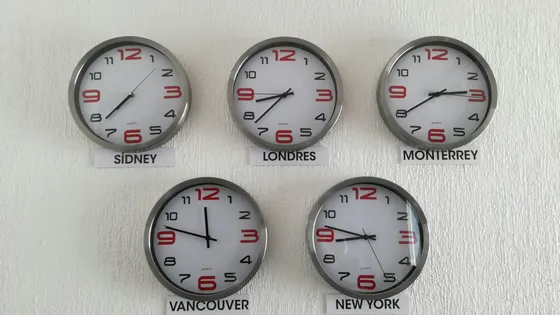
Converts a timestamp from a source time zone to UTC using Windows time zone names.